Chat, video meetings and phone calls in one place.
IronHall
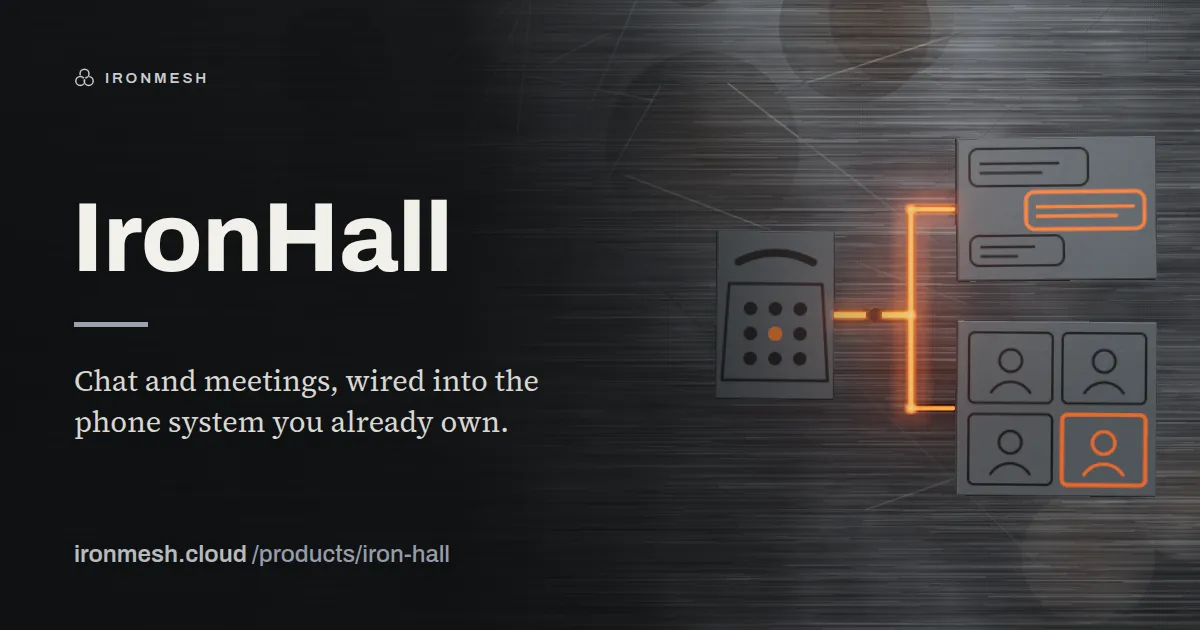
Chat and meetings, wired into the phone system you already own.
IronHall is chat, video meetings and telephony in one place. The part Teams cannot match is the last one — it registers against the Asterisk PABX already sitting in your comms room, so your desk phones, extensions and numbers keep working.
Windows 10 and 11, 64-bit
Signed by ATS All Technology Solutions. Because the certificate is new, Windows SmartScreen may still warn for a while; choose More info, then Run anyway.
DownloadIronHall-0.3.2-win.exe · 107 MB
SHA-256
ef9763e6d95178f2491f1d3909ed2b0aea5d49488407b9f238c3dff458d84d0eLinux .deb — Ubuntu, Debian, KDE Neon
Install it from the folder you downloaded it to.
sudo apt install ./IronHall-0.3.2-linux.debDownloadIronHall-0.3.2-linux.deb · 97 MB
SHA-256
4f255183775878f3b2967c7b5a1db6b91f6455ce827c9402a1db712043ee4ef4Linux AppImage — any distribution
Make it executable, then run it.
chmod +x IronHall-0.3.2-linux.AppImage && ./IronHall-0.3.2-linux.AppImageDownloadIronHall-0.3.2-linux.AppImage · 121 MB
SHA-256
37e34bcc614e195e190944bc7c9bab1de52e5ad452213661b07a1671ad70d344
Getting started. Sign in with your organisation's IronHall account, or with company directory sign-in where your organisation has set it up. Guests need no account: join a meeting with its 9-digit code or an invite link.
- Chat
- Matrix protocol, end-to-end encryption available
- Meetings
- Audio and video, proven over real networks
- Telephony
- SIP bridge to Asterisk and FreePBX, per-tenant numbers
- Call handling
- Click-to-dial, presence, transfer, call records, voicemail
- Remote support
- Desktop control through MeshCentral
- Clients
- Browser today, desktop application planned
It speaks to the PABX you already have
IronHall registers as a real SIP endpoint against Asterisk or FreePBX, including busy-lamp field and message-waiting indication. Extensions, hunt groups and the numbers on your letterhead carry on working.
Click a name, the desk phone rings
Presence, click-to-dial and blind transfer work between the software and the handsets, so nobody has to choose between the two.
Take over a screen without a second product
Remote desktop control is part of the same system, which for an IT team means support happens in the conversation where the problem was reported.
Meetings that survive real networks
Audio and video run through a selective forwarding unit rather than peer-to-peer, which is what makes a call with more than three people hold together on ordinary connections.
Nothing copyleft in the stack
The chat server, the media server and the client libraries are all permissively licensed. That is a deliberate constraint, and it is what allows IronHall to be installed on hardware you own.
Three tiers of administrator
Tenant, reseller and platform administrators each see only their own scope, and every elevation of privilege is written to an audit log.