A PDF reader and editor that works entirely on your own device.
IronView
Your PDFs never leave your device.
IronView reads, fills, marks up, signs with a picture of your signature, and scans PDFs with no account, no server and no telemetry. Documents stay on the device because there is nowhere for them to go.
- Platforms
- Linux and Android today; Windows and macOS planned
- Account
- None. No sign-in, no server, no telemetry
- Your documents
- Stay on the device
- Scanned pages (OCR)
- Latin text built in; seven more languages as packs downloaded on demand
Read, search and select
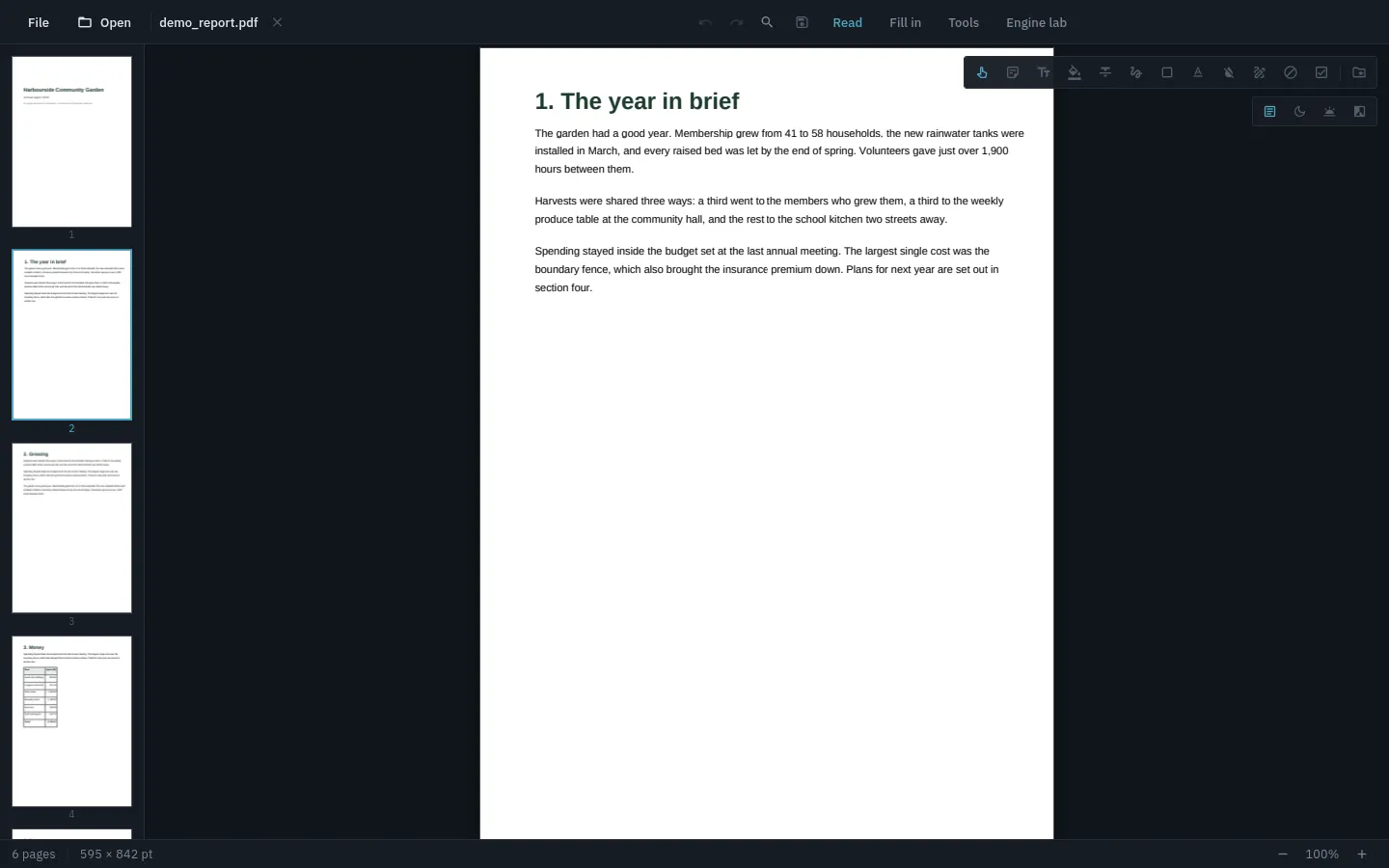
Search, bookmarks, page thumbnails, night and sepia modes, and text selection and copy.
Fill in forms, or make one
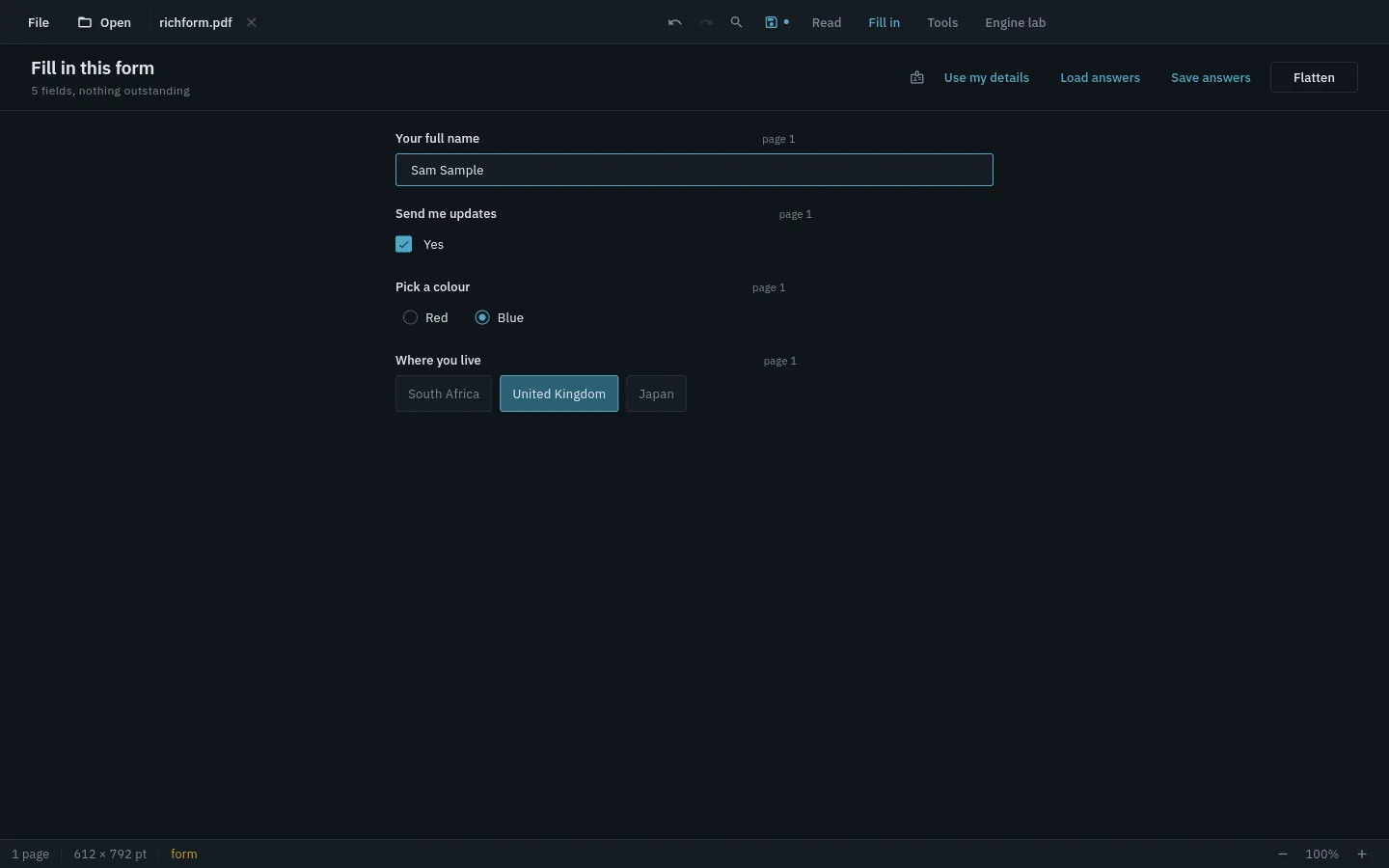
Text boxes, checkboxes, radio groups and dropdowns, including forms that validate and calculate. Export the answers as XFDF or CSV, or import them back, and flatten the form when it is finished. Draw a box on a page that never had a form and turn it into a field.
Reshape the document
Split, merge, extract, reorder, rotate, delete and insert pages.
Mark up and sign
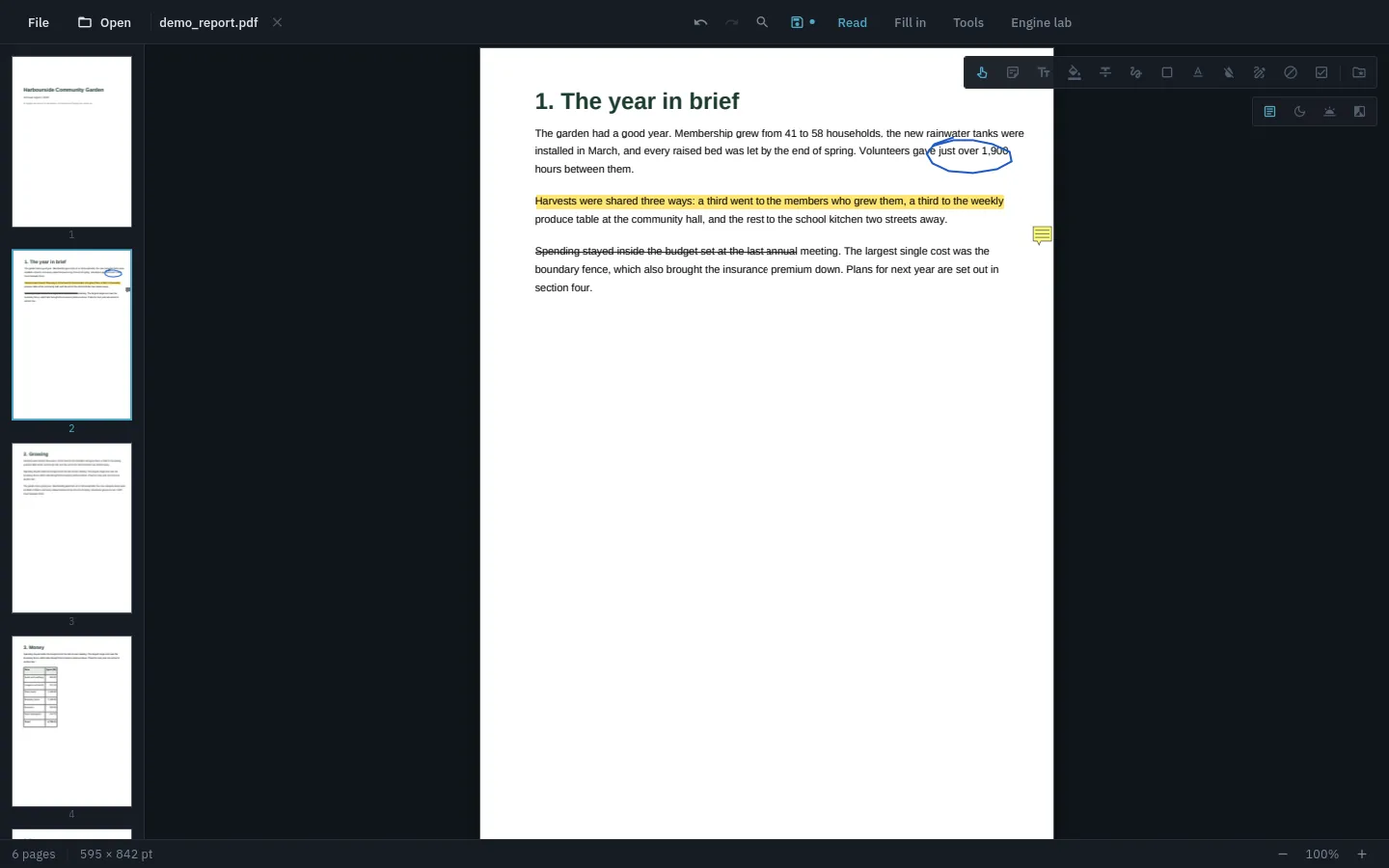
Notes, highlights and strikeout that follow the words across line breaks, freehand ink, shapes, and signatures.
Scan to searchable text
Text recognition runs on the device. Latin text is built in; other languages are optional packs, downloaded only when you ask for one.
Make a form from a plain page
Draw text boxes, checkboxes, dropdowns and lists onto a page that never had them.
Fill the same details in once
Save your name, address and email once and fill those fields with a tap.
Redact properly
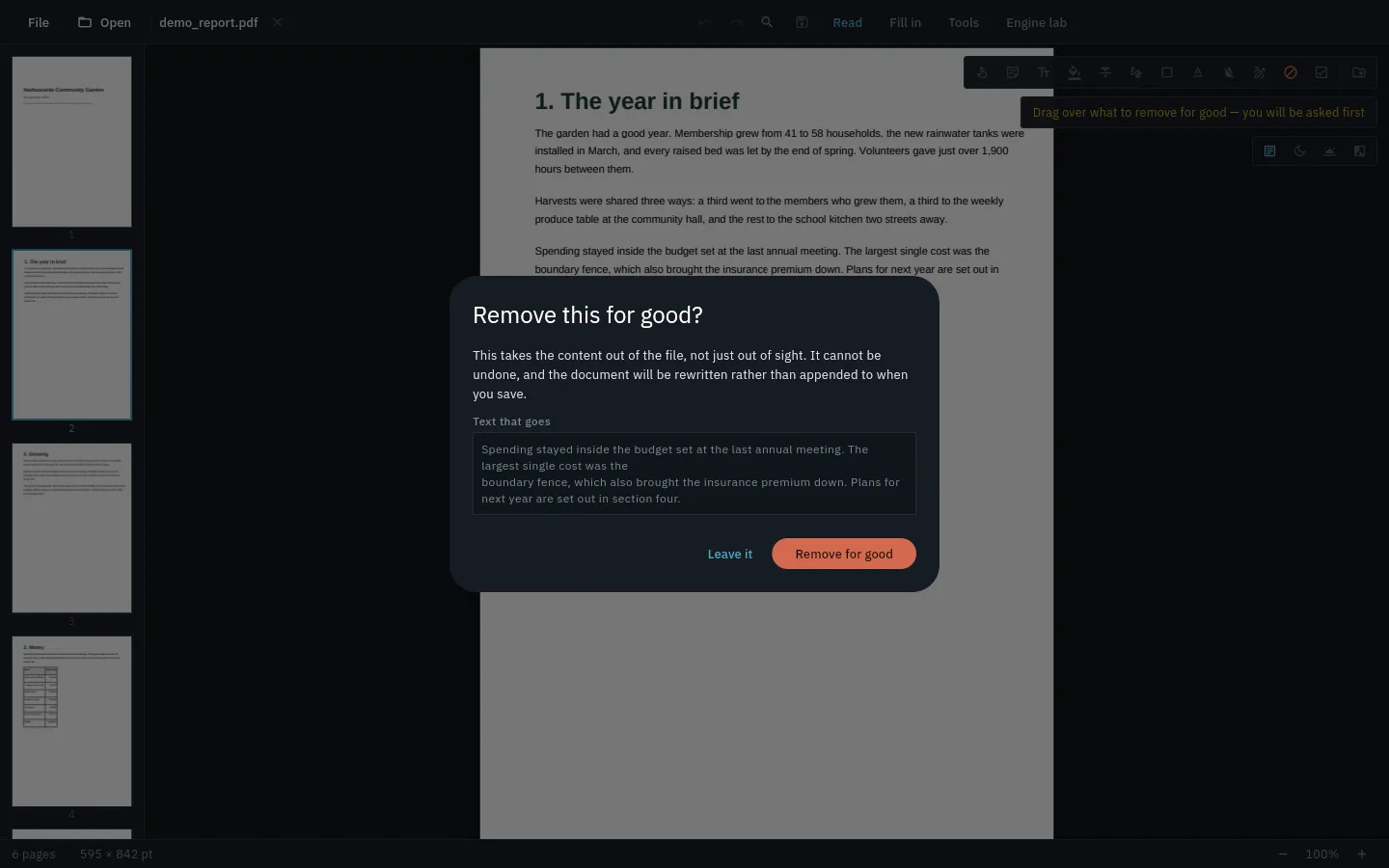
Redaction removes the content from the file, and the file can no longer be saved by appending. A cover-over option is there too, and the app says which one you are doing.
Protect with a password
AES-256 password encryption, and open protected files.
Edit the page itself
Type onto a page, cover things over, and place pictures and boxes. It does not rewrite or reflow existing paragraphs of text.
Scan a page
Photograph a page and it finds the sheet, straightens it and evens out the lighting. Make it searchable with on-device text recognition.
One undo for everything
A single undo and redo timeline covers every kind of change.
Open damaged files
Reads PDFs with a broken cross-reference table.
Reading modes
Paper, night, sepia and grey.
Private by design
No account, no server, no telemetry and no adverts. The only network use is downloading a language pack when you ask for one.